
Downsell Offer Examples: What to Show When a Buyer Says No
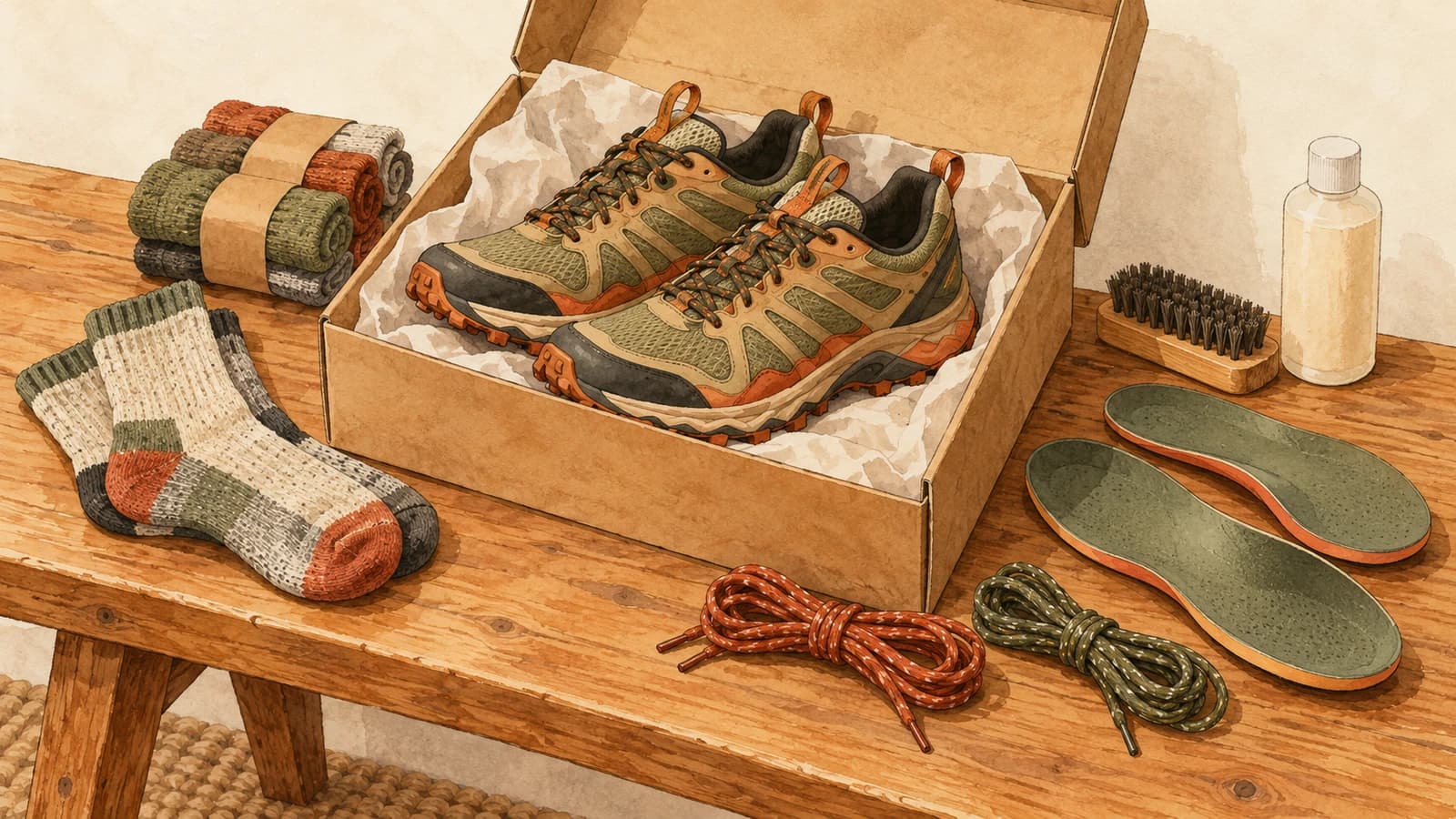
Most buyers decline an upsell. That's normal, and it doesn't always mean "not interested". Often it means "not at that price" or "not that much". A downsell offer is the follow-up for exactly that buyer: a smaller, cheaper or better-priced version of the offer they just turned down.
This article explains what a downsell is, the six types worth knowing, downsell examples for each, and the rules that keep a downsell helpful instead of pushy.
What a downsell offer is
A downsell is an offer shown after a buyer declines another offer, at a lower price or a lower commitment. The order matters. Shown first, a cheaper option undercuts your main offer. Shown after a "no", it answers the most common reason for that no.
You see this pattern everywhere offline. A café that offers a large drink and hears "no" might suggest a smaller one. A sales assistant who hears "too expensive" shows the version without the extras.
Online, the cleanest place for a downsell is after checkout, on Shopify's post-purchase page. The buyer has already paid, so neither the upsell nor the downsell can put the original order at risk. If they decline both, they simply reach their order confirmation. The post-purchase upsell guide covers how that page works.
6 types of downsell, with examples
1. The smaller size
Same product, less of it. This is the most natural downsell because the buyer already showed interest in the product itself.
- Upsell: a 6-pack of running socks. Downsell: a 2-pack.
- Upsell: a 1 kg bag of coffee. Downsell: a 250 g bag.
- Upsell: a full-size serum. Downsell: the travel size.
2. The same product, at a better price
Sometimes the product was right and only the price was wrong. Offer it again with a deeper discount.
- Upsell: a phone case at 15% off. Downsell: the same case at 30% off.
Use this one with care. If every "no" leads to a bigger discount, buyers who notice will learn to decline first. Keep the gap modest and don't repeat the trick on every flow.
3. Free shipping instead of a discount
For a low-priced add-on, the shipping cost can be what tips a buyer to "no". Removing it may matter more than a discount.
- Upsell: a candle at 20% off plus shipping. Downsell: the same candle with free shipping, because it goes in the same parcel anyway.
4. The basic version
Drop the extras and keep the core product.
- Upsell: a complete shoe care kit with brushes, cleaner and protector spray. Downsell: the protector spray alone.
- Upsell: a premium leather notebook. Downsell: the standard notebook from the same range.
5. A cheaper item from the same category
The buyer said no to this product, but the need it meets might still be there. Offer a different, lower-priced product that meets it.
- Upsell: a spare camera battery. Downsell: a memory card.
- Upsell: a dog bed. Downsell: a chew toy for the same dog.
6. The sample or trial
The lowest-commitment downsell of all. A sample lets a cautious buyer try something without a real decision.
- Upsell: a full bag of a new tea blend. Downsell: a sampler tin of three blends.
- Upsell: a new fragrance. Downsell: a discovery set of minis.
For more starting points by type of store, see these post-purchase upsell examples.
How to choose the right downsell
Ask why a buyer might have declined the first offer, and answer that reason:
| Likely reason for "no" | Downsell that answers it |
|---|---|
| Too expensive | Smaller size, basic version |
| Not sure they'll like it | Sample or trial size |
| Shipping cost on top | Free shipping instead of discount |
| Good product, price too high | Same product, better discount |
| Don't need this item | Cheaper item from the same category |
You won't know the real reason for each buyer, and you don't have to. Pick the most likely one for your store and test whether the downsell gets accepted.
Rules for an honest downsell offer
A downsell shows up right after someone said no. Done badly, it feels like you didn't listen. A few rules keep it on the right side:
- Make it clearly smaller. A downsell that costs as much as the upsell isn't a downsell. The buyer should see right away that it's an easier yes.
- One downsell per offer. If the buyer declines the downsell too, let them go. A chain of ever-cheaper offers wears out goodwill fast.
- Keep the whole sequence short. Shopify recommends showing "a maximum of three consecutive upsell offers" on its post-purchase page (Shopify UX guidelines). An offer plus a downsell already uses two of those three.
- Keep the decline easy. Same plain link as on the first offer, with no guilt-trip wording. Shopify's guidelines ask apps to "present clear options to accept or refuse upsell offers without pressuring customers".
- Show the real price. If the downsell is a discount, show the original price struck through and the full charge, including shipping and taxes.
Downsell or second upsell?
The downsell has a sibling: the follow-up after a yes. A buyer who accepts the first offer has shown they're open to more, so a second, small add-on can make sense there. A buyer who declined needs the opposite: something smaller.
A simple post-purchase sequence uses both:
- Offer 1: your best complement, at a modest discount.
- If accepted: one more small add-on, then stop.
- If declined: a downsell from one of the six types above, then stop.
Every buyer sees at most two screens, and each one gets an offer that fits their last answer. For what happens when they click accept, see how one-click upsells work on Shopify.
Measure your downsells separately
Track acceptance for the downsell on its own, not mixed in with the first offer. Compare buyers who saw it with how many accepted, and watch whether a deeper-discount downsell starts pulling buyers away from the first offer. If it does, narrow the discount gap or switch to a different type, such as a smaller size.
Setting up downsells with Elite Post Purchase
In Elite Post Purchase, each flow starts with Offer 1. In the flow chart, click Add follow-up and choose If declined: add downsell to add Downsell 1, or If accepted: add offer for Offer 2, which can have a downsell of its own. Every screen has its own products, discount and shipping, so a downsell can be the same product at a deeper discount, a smaller pack, or free shipping instead of a discount. Offers and downsells shows how the screens chain, and Discounts and shipping covers the price settings.
It's free for your first 50 orders a month, then from $7/mo (Essentials); see pricing.
Give your next "no" somewhere to go. Pick the downsell type that fits your best seller's offer, add it as one screen, and see how many buyers take the smaller yes.