
Upsell vs Cross-Sell on Shopify: The Difference and When to Use Each
Upsell vs cross-sell sounds like a vocabulary question, but it decides what you put in front of buyers and when. Both raise the value of an order. They do it in different ways, they fit different moments in a Shopify store, and mixing them up leads to offers that miss: an upgrade pitched after the buyer has already paid, or a random accessory on a product page that distracts from the sale.
Here's the difference, examples from real product categories, and where each one belongs from product page to post-purchase page.
Upsell vs cross-sell: the short version
Shopify defines upselling as persuading customers "to purchase a more expensive, upgraded, or premium version" of what they're buying, and cross-selling as "offering related or complementary products and services to a customer" (Shopify blog).
Put simply:
- An upsell replaces the item with a better or bigger one. The buyer still ends up with one thing, just a more valuable one.
- A cross-sell adds a different item next to the original. The buyer keeps what they chose and adds something that goes with it.
There's a third pattern that sits between them: selling more of the same, such as a multi-pack, a larger size or a second unit. It raises the order value like an upsell, but like a cross-sell it adds to the order instead of swapping anything out.
Examples by store type
| Store | Upsell | Cross-sell |
|---|---|---|
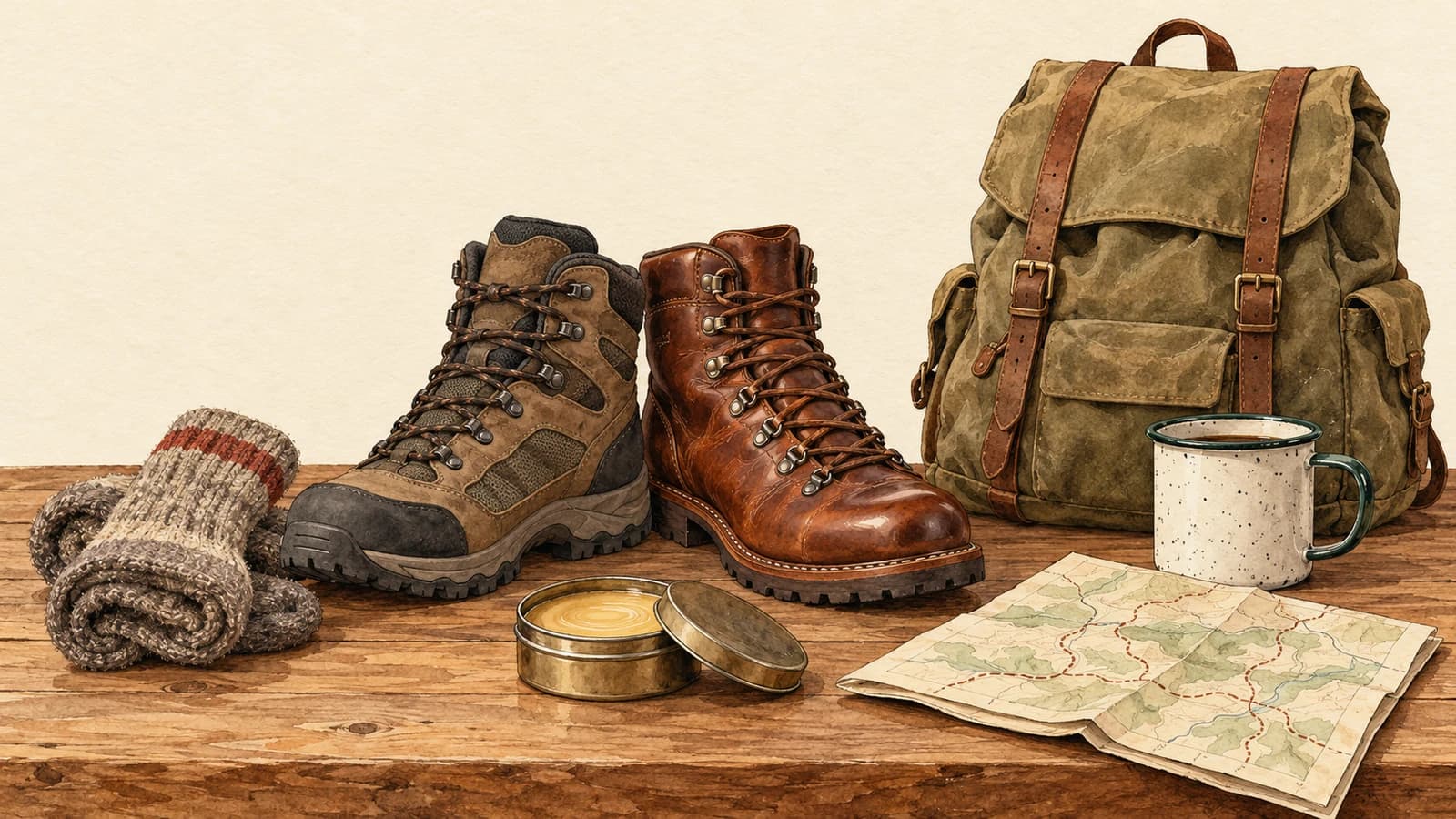
| Outdoor gear | The waterproof leather boot instead of the standard one | Wool hiking socks, boot wax |
| Coffee | The 1 kg bag instead of 250 g | A grinder, paper filters |
| Skincare | The full-size serum instead of the travel size | A matching cleanser |
| Jewelry | Solid gold instead of gold-plated | A polishing cloth, a gift box |
| Pet supplies | The orthopedic dog bed instead of the basic one | A washable cover, a chew toy |
A good test: if the buyer would choose one option or the other, it's an upsell. If they'd want both, it's a cross-sell.
Where each one works in a Shopify store
The best place for an offer depends on what the buyer can still change at that moment.
Product page
The buyer is still choosing, so this is the natural home of the upsell. Show the better version, the bigger size or the bundle right next to the one they're looking at, with a clear reason to pay more. A cross-sell here works best when it's tightly linked, like "complete the set".
Cart
The buyer has chosen, but nothing is final. Both work, though cross-sells usually fit better: small add-ons that complete the order, or a nudge toward a free-shipping threshold. Keep it short. Every extra choice is something to weigh before paying.
Checkout
This is the riskiest spot for any offer, because the buyer is about to pay and anything that slows them down can cost you the order. If you show something here, a single low-priced cross-sell is about as far as it should go.
After checkout: the post-purchase page
Here the order is paid and can't be lost. Shopify's post-purchase page appears between payment and the order confirmation, and the buyer can add an offer with one click, without entering their card again. Our guide to one-click upsells on Shopify covers how that works.
There's a catch that decides the upsell vs cross-sell question for this page: an accepted post-purchase offer can only add products to the order. It can't swap or remove what the buyer already bought. So a true upsell, "trade your standard boot for the leather one", isn't possible here. What works after checkout is:
- Cross-sells: the socks, the filters, the cleanser.
- More of the same: a second unit or a refill, ideally at a better price.
That's why most "post-purchase upsells" are really cross-sells. The name stuck, but the offer adds rather than upgrades.
Thank-you page and email
After the order confirmation, you can still show an offer on the thank-you page, or follow up by email. Both are additions to the purchase, not upgrades, so they suit cross-sells and replenishment too. We compare the two pages in thank-you page upsells vs the post-purchase page.
How to choose between them
Use an upsell when:
- the buyer hasn't paid yet, so the choice is still open
- you have a clearly better version, and you can say in one line why it's worth more
- the price step is modest compared with the original
Use a cross-sell when:
- the order is already paid, or nearly
- there's an obvious companion product the buyer will need or want
- the add-on is cheap compared with the main product, so it's an easy yes
Use more of the same when:
- the product gets used up, like coffee, supplements or razor blades
- people buy it as a gift and might want a second one
- you can offer a real saving for the extra unit
Common mistakes
- Offering an upgrade after the sale. The buyer just chose the standard model. Pitching the premium one a moment later can make them doubt their choice, and on the post-purchase page they can't swap anyway.
- Cross-selling something unrelated. A bestseller that has nothing to do with the order feels like an ad, not a helpful suggestion. Match the offer to what's in the order.
- Pricing the add-on like a second main purchase. A cross-sell should be a small decision. If it costs as much as the original order, most buyers will pass.
- Too many offers at once. One clear offer beats a grid of six. After checkout, Shopify's UX guidance recommends "a maximum of three consecutive upsell offers" (Shopify UX guidelines).
- Offering what they just bought. Unless it's a consumable or a gift, a duplicate of their purchase makes little sense.
For ideas you can copy, see these post-purchase upsell examples, and for how much to knock off the price, how much discount to put on a post-purchase upsell.
Cross-sells after checkout with Elite Post Purchase
Elite Post Purchase is built for the post-purchase page, so it's built for cross-sells and more-of-the-same offers. You create flows, and each flow's Conditions decide which orders it applies to: by product, collection, tag, vendor, order total, quantity, language or subscription. That's how the boot buyer sees socks and the coffee buyer sees filters. See Choose who sees a flow.
A Buy again screen offers the buyer another one of what they just bought, at your discount, for the more-of-the-same pattern; see Offer the product the buyer just bought. Accepted offers can lead to a second offer, and declined ones to a downsell, up to three screens per buyer. It's free for your first 50 orders a month, then from $7/mo (Essentials); see the features and the pricing.
Upsell before the sale, cross-sell after it. Start with one companion product for your best seller and see how your buyers respond.