
Targeted Upsell Offers: Match Each Offer to the Order
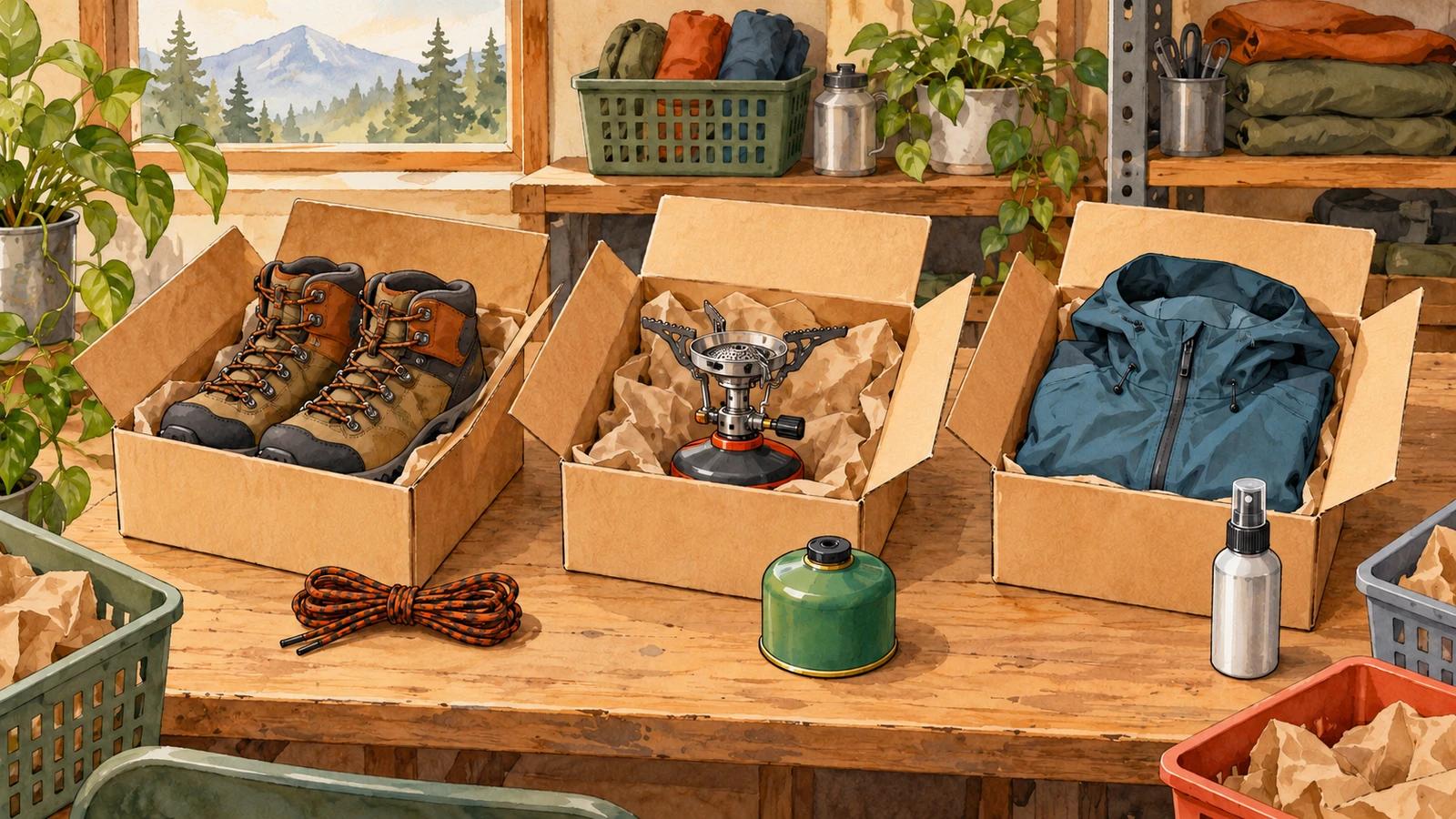
A refill pack is a great offer for someone who just bought the device it fits. For someone who bought a sweater, it's noise. Targeted upsell offers fix that mismatch: instead of one offer for every buyer, you set simple rules that decide which offer each order sees, based on what's in it, how much it's worth and where it's going.
This guide covers the signals worth targeting on, how to turn them into rules you can maintain, and the mistakes that make targeting more trouble than it's worth.
Why one offer for everyone falls short
A single store-wide upsell is a fine first step. It's quick to set up and tells you whether buyers engage with an offer after checkout at all. But it has a ceiling: the offer only fits the share of orders it happens to relate to. Everyone else sees something irrelevant and clicks past it.
Targeting raises the share of orders that see a relevant offer. It doesn't need to be clever. Most stores get there with a handful of rules built around their best sellers, plus one general offer that catches everything else.
The signals that make targeted upsell offers work
Each signal below answers a different question about the buyer. You rarely need all of them.
What they bought
The strongest signal by far. A buyer's cart tells you what they need next:
- Specific products: offer the case to buyers of the phone, the filters to buyers of the purifier.
- Collections: one rule for everything in "Coffee", another for "Tea", without listing every product.
- Product tags, vendors and product types: useful when your catalog is already organized that way, for example a tag like "needs-batteries" or a vendor whose accessories you stock.
Rules can also go the other way. "Bought none of these" keeps an offer away from buyers who already own what it would sell them.
How much they spent
Order value hints at what a second purchase can cost. A buyer who spent a little is more likely to accept a small add-on; a buyer who spent a lot may be open to a premium upgrade. Two rules, one below a threshold and one above it, are often enough.
If your shipping costs vary a lot, base the threshold on the items rather than the full order total, so a heavy parcel doesn't push a small order into the "big spender" bucket.
How many items they ordered
Quantity says something different from value. Someone who ordered six of the same candle is buying for a group or stocking up, so a multi-pack or bulk deal fits. Someone who ordered one is trying you out, so a sample-sized add-on fits better.
Where they are and what language they speak
Shipping country matters when some products can't ship everywhere, or when a product only makes sense in some climates. Checkout language matters when your offer copy, or the product itself, is language-specific, such as books, printed guides or labelled packaging. It also lets you write a different pitch for each market rather than one translated line.
Turn signals into rules you can maintain
Targeting goes wrong when it grows into dozens of overlapping rules nobody remembers writing. A structure that stays manageable:
- Start with your top three to five best sellers. Give each one a targeted offer built around its most natural complement. These cover a large share of orders with very few rules.
- Add one fallback offer for everything else. A broad, low-priced add-on that fits most buyers, so no order sees a blank.
- Order your rules from specific to general. When an order matches more than one rule, the most specific one should win. A general rule at the top would swallow every order.
- Combine signals sparingly. "Bought from Coffee and spent at least a certain amount" is a useful rule. Five conditions stacked together will match so few orders that you can't learn anything from them.
- Write down why each rule exists. A one-line note in the rule's name ("Grinder buyers: offer filters") saves you from deleting something that still matters.
Use "and" and "or" on purpose
Two conditions joined with and narrow the audience: both must be true. Joined with or, they widen it: either one is enough. Mixing them is where rules get confusing, so group the "or" part together: order total at least 50 and (bought from Coffee or bought from Tea). Read it out loud before you save it.
Examples of targeted upsell offers
A few patterns that translate to most catalogs:
- Device to consumable. Bought the espresso machine, offered descaling tablets.
- Item to protection. Bought leather boots, offered a care kit.
- Small order to small add-on. Order under your average, offered a low-priced extra at a modest discount.
- Large order to upgrade. Order well above your average, offered the premium version of an accessory.
- Bulk buyer to multi-pack. Several units in the order, offered a bigger pack at a better price per unit.
- Market-specific offer. Buyers checking out in German offered a product with German packaging; everyone else gets the standard version.
For more on picking the products themselves, see the best products to upsell after checkout.
Mistakes that undo the targeting
- Offering what they just bought. Unless it's something people use up or give away, a second identical item is a waste of the page. Exclude items already in the order by default.
- Rules that never match. A rule based on a tag nobody applies, or a collection that's been emptied, quietly does nothing. Check each rule against a real recent order.
- Too many rules to learn from. Every rule splits your orders into smaller groups. If a rule sees a handful of orders a month, you'll never know if it works. Merge it into a broader one.
- No fallback. Without a general offer at the bottom, the orders that match nothing see no offer at all.
- Changing everything at once. Change one rule, give it enough orders to judge, then move on. Our guide to A/B testing post-purchase offers covers how to compare two versions properly.
Targeting on the post-purchase page
The post-purchase page is a good place for targeting, because by the time the buyer sees it the order is known: what's in it, the total, the shipping country and the checkout language. Your rules work on the real purchase, not on a guess about what someone might add to their cart. The complete guide to post-purchase upsells explains how that page works.
In Elite Post Purchase, each flow has its own Conditions: purchased products, collections, product tags, vendors and product types, order total, items subtotal, total item quantity, checkout language, shipping country and subscription. You combine them with And or Or, and condition groups let you mix the two. On the Flows page, the order of your flows is their priority: each buyer sees the first flow whose conditions match, so you drag specific flows above general ones. The Help Center article on choosing who sees a flow walks through every condition.
It's free for your first 50 orders a month, then from $7/mo (Essentials). See features and pricing for the details.
Start with your best seller. Give it one targeted offer, keep a general offer underneath, and see how the two compare.